If you experience any trouble with our new website, our former website is still available by visiting https://m2.richardsonsports.com.
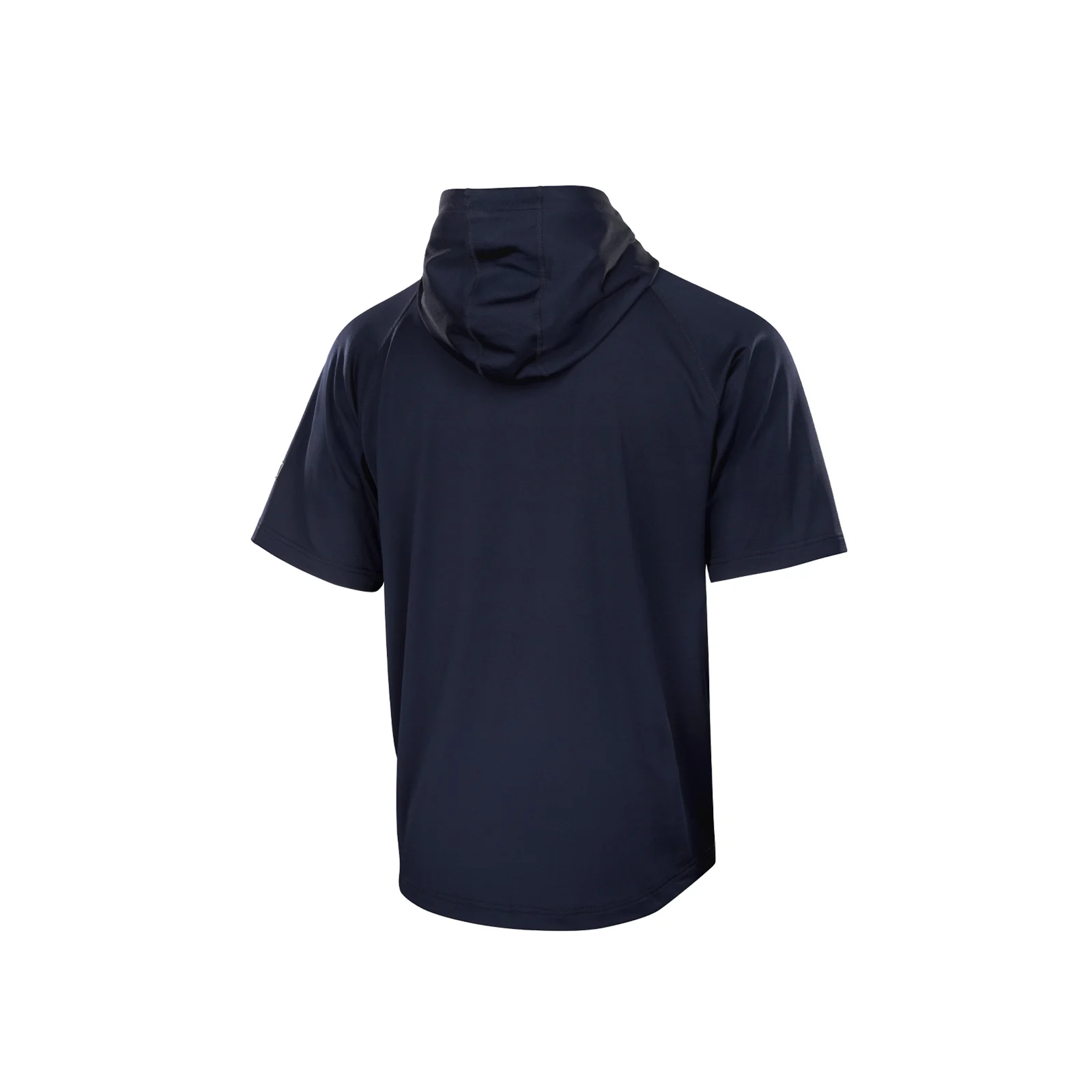
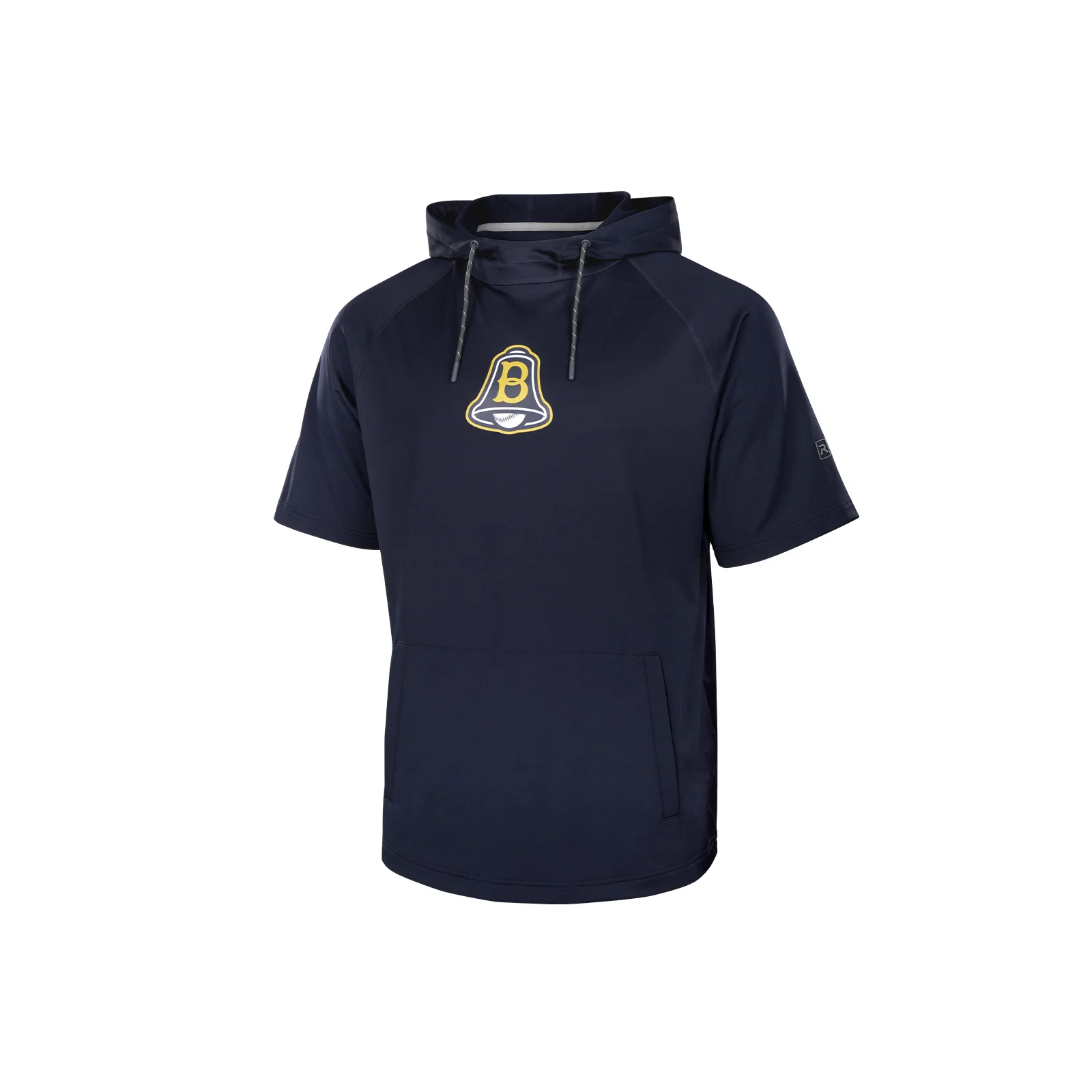
Charge Short Sleeve Hoodie
#
A7200SSH
Charge Short Sleeve Hoodie
Engineered for movement with Max-Motion technology and 4-way stretch fabric, the Charge Short Sleeve Hoodie brings the same trusted performance and style as the original, now with the freedom of short sleeves. Featuring a sleek scuba hood and a tunnel pocket with a hidden phone pouch, it’s built for active days when less sleeve means more versatility.
Features and Benefits
4-way stretch fabric moves with your body in all directions for superior comfort and performance
Max-Motion engineering provides enhanced range of motion and a distraction-free fit
Scuba hood provides full coverage from the elements
Tunnel pocket with cell phone storage offers a convenient place to carry your essentials
New Arrival
Color:Select Color
Technical Specs
Profile: Tops
Style: Hoodie
Age: Adult
Fabric: Performance Fleece
Composition: 92% Polyester/8% Spandex
Gender: Men
Sizing Options
S
M
L
XL
2XL
3XL
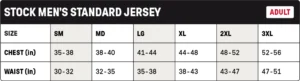
SIZE CHART
Mid Pro caps
Fitted & R-Flex Sizing
Head Size (IN)
Head Size (CM)
R-Flex
Adjustable
20"
20 3/8"
20 3/4"
21 1/4"
21 5/8"
22"
22 3/8"
22 3/4"
23 1/8"
23 1/2"
23 7/8"
24 1/4"
24 5/8"
25"
51 cm
52 cm
53 cm
54 cm
55 cm
56 cm
57 cm
58 cm
59 cm
60 cm
61 cm
62 cm
63 cm
64 cm
Youth*
SM-MD
XS-SM
LG-XL
Youth
OSFM & MD-LG
SM
XL
*Youth sizes available for PTS20 & PTS30 in select colorways.
Scroll horizontally to see more
HOW TO FIND THE RIGHT SIZE
Ensure the tape measure is straight and not twisted to obtain an accurate measurement.
If a tape measure isn’t available, use a piece of string to encircle your head, then measure the length of the string with a ruler.
If uncertain about the size or in between sizes, opt for the larger size to ensure a comfortable fit.
Full Pro caps
Fitted & R-Flex Sizing
Head Size (IN)
20"
20 3/8"
20 3/4"
21 1/4"
21 5/8"
22"
22 3/8"
22 3/4"
23 1/8"
23 1/2"
23 7/8"
24 1/4"
24 5/8"
25"
Head Size (CM)
51 cm
52 cm
53 cm
54 cm
55 cm
56 cm
57 cm
58 cm
59 cm
60 cm
61 cm
62 cm
63 cm
64 cm
Fitted
6 3/8**
6 1/2**
6 5/8
6 3/4
6 7/8
7
7 1/8
7 1/4
7 3/8
7 1/2
7 5/8
7 3/4
7 7/8
8
R-Flex
Youth*
SM-MD
XS-SM
LG-XL
*Youth sizes available for PTS20 & PTS30 in select colorways.
**For fitted size reference only, not stocked.
Scroll horizontally to see more
HOW TO FIND THE RIGHT SIZE
Ensure the tape measure is straight and not twisted to obtain an accurate measurement.
If a tape measure isn’t available, use a piece of string to encircle your head, then measure the length of the string with a ruler.
If uncertain about the size or in between sizes, opt for the larger size to ensure a comfortable fit.
Full Pro2 caps
R-Flex, Adjustable & System 5 Sizing
Head Size (IN)
Head Size (CM)
R-Flex
Adjustable
System 5
20"
20 3/8"
20 3/4"
21 1/4"
21 5/8"
22"
22 3/8"
22 3/4"
23 1/8"
23 1/2"
23 7/8"
24 1/4"
24 5/8"
25"
51 cm
52 cm
53 cm
54 cm
55 cm
56 cm
57 cm
58 cm
59 cm
60 cm
61 cm
62 cm
63 cm
64 cm
Youth*
SM-MD
XS-SM
LG-XL
Youth
OSFM & MD-LG
SM
XL
XS
SM
MD
LG
XL
*Youth sizes available for PTS20 & PTS30 in select colorways.
Scroll horizontally to see more
HOW TO FIND THE RIGHT SIZE
Ensure the tape measure is straight and not twisted to obtain an accurate measurement.
If a tape measure isn’t available, use a piece of string to encircle your head, then measure the length of the string with a ruler.
If uncertain about the size or in between sizes, opt for the larger size to ensure a comfortable fit.
Reporting an Issue
Helpful information to include:
Description
– What issue are you experiencing?
Steps Taken / How It Occurred
– What were you doing when the issue happened?
Description
– What issue are you experiencing?
Expected Result
– What should have happened?
Actual Result
– What happened instead?
Frequency
– Does this happen every time or only sometimes?
Screenshots or Videos (if available)
– Visuals are extremely helpful.
Device / Browser (if applicable)
– Especially for customizer issues.
How to Update Google Chrome
To update Google Chrome, follow these steps:
For Windows, macOS, and Linux:
1. Open the Chrome browser.
2. Click on the three dots (⋮) in the top-right corner.
3. Choose Help > About Google Chrome.
4. If an update is available, click Check for updates.
5. When the update is finished, click Relaunch. If no updates are available, you’ll see a message that Chrome is up to date.
For Android devices:
1. Open the Google Play app.
2. Tap your profile picture in the top-right corner.